



Your logo and proofs
How to send your logo, which branding method fits each material, what is included in the price and how the design proof works.
Files we accept
- .AI
- .EPS
- .SVG
A vector file gives the sharpest result. JPG and PNG files have a fixed resolution and can turn blurry when enlarged for engraving or debossing.
No vector file? Send what you have. If the logo is simple and clear, our designer prepares the vector for free. A photo of a sign or a low-quality screenshot that has to be redrawn from scratch is quoted separately.
File requirements
Logo color
For engraving and debossing: 100% black, with no gradients, shadows or transparency.
Fonts
Convert all fonts to outlines so the lettering cannot change.
Line thickness
At least 0.3 mm. Thinner lines can burn out on wood or fail to press into leather.
Logo size
At least 0.8 in (2 cm) on the shortest side, so details stay readable.
Seven ways to add your logo
The method depends on the material. The product page shows which ones are available for the item you chose.

Engraving
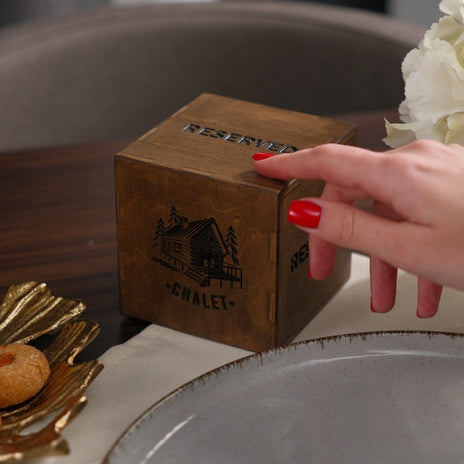
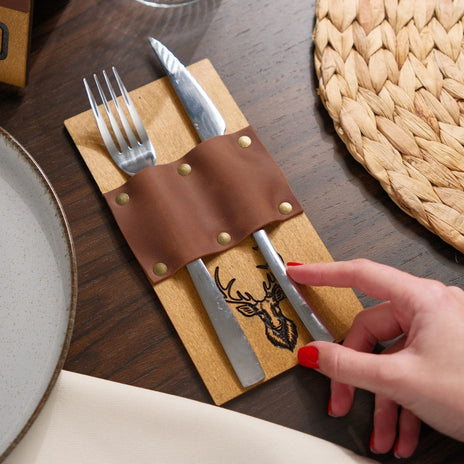
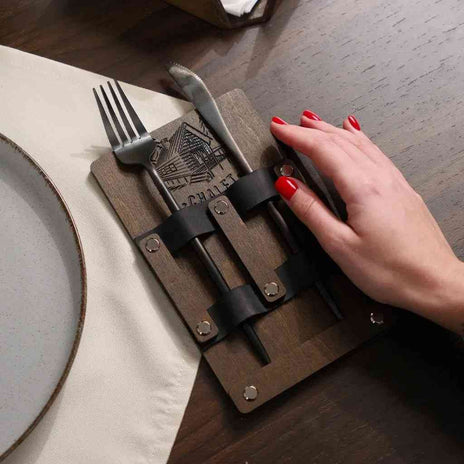
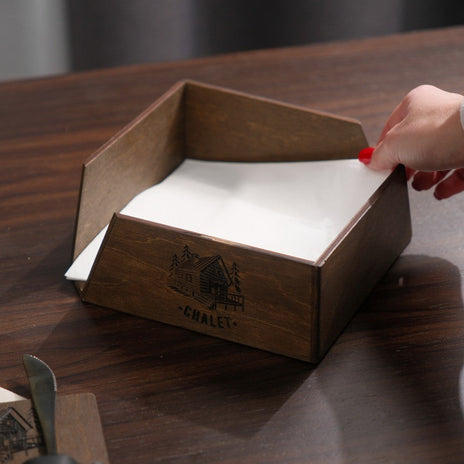
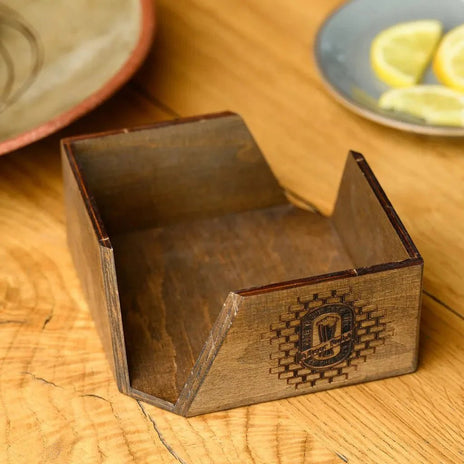
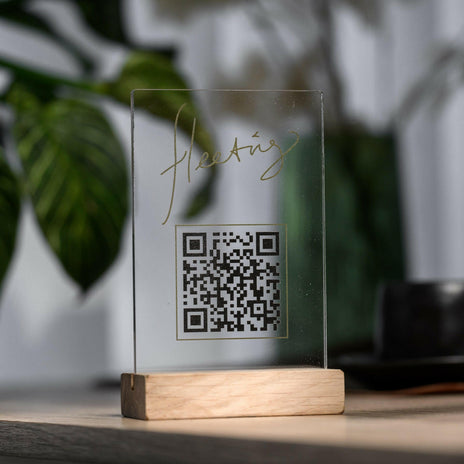
Laser-engraved in the tone of the material. On plywood the engraving is tinted black for contrast.

Color-filled engraving
The engraving is filled with paint in your color. Paid add-on; needs the varnished finish.

UV print
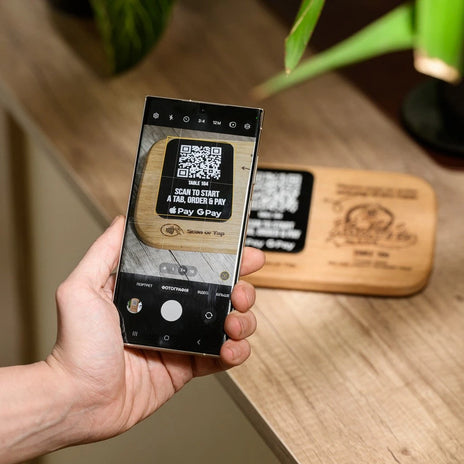
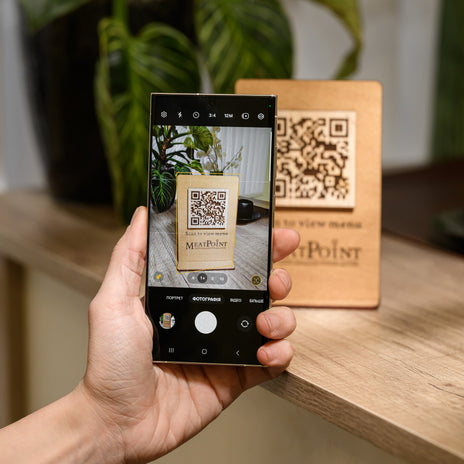
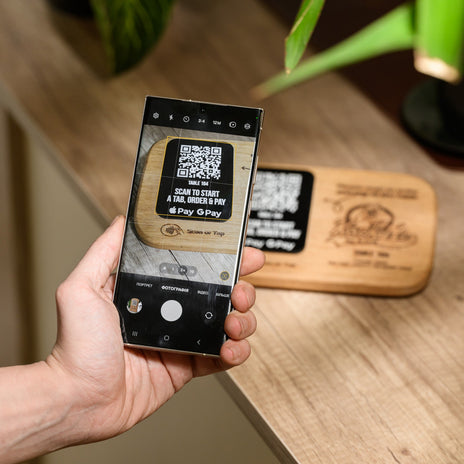
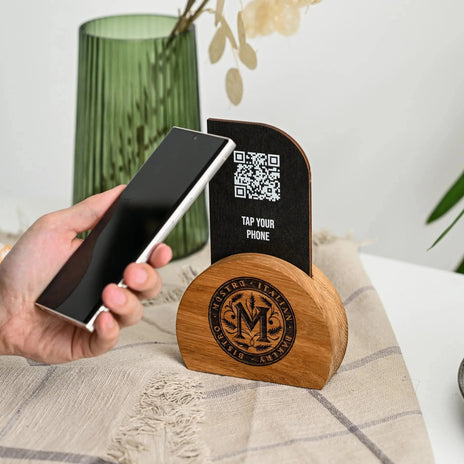
Full color with gradients. The best choice for QR codes.

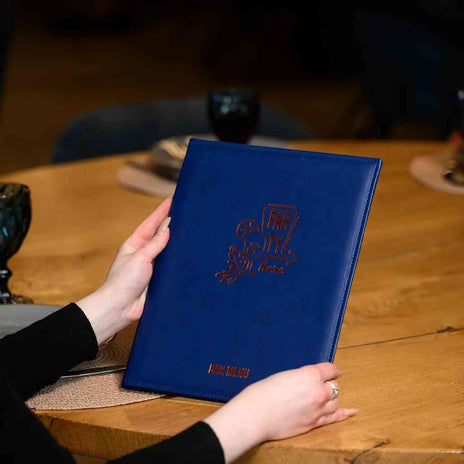
Debossing
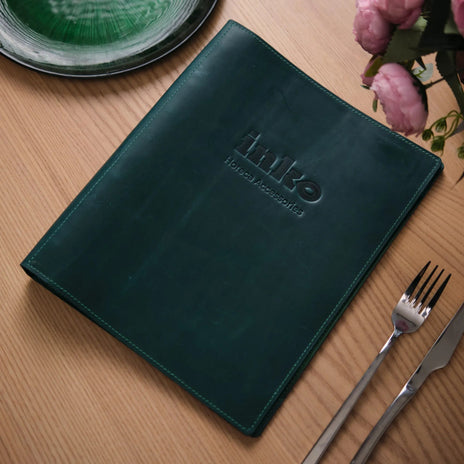
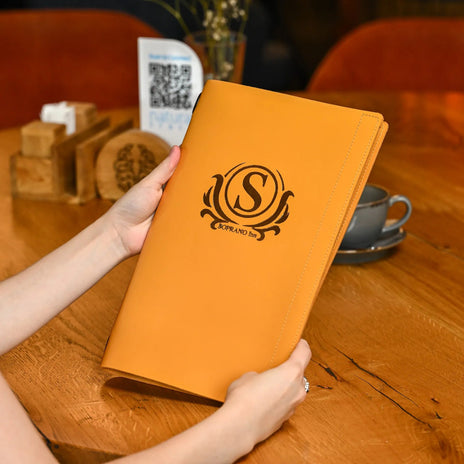
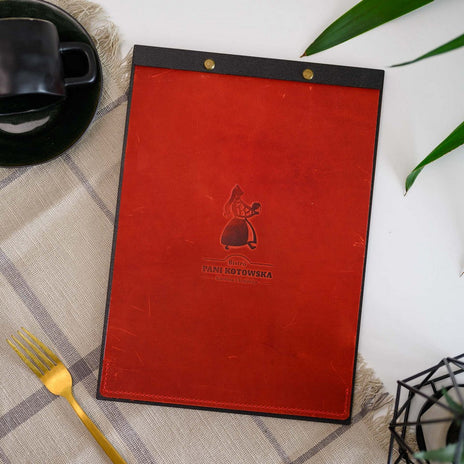
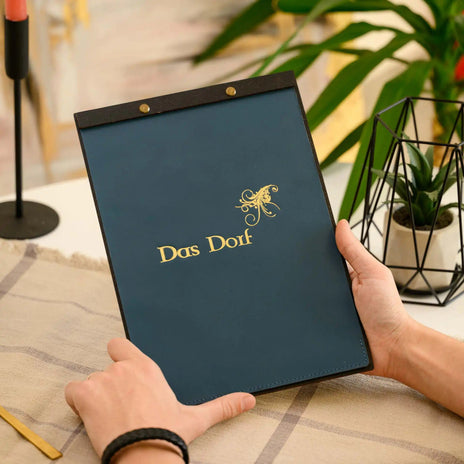
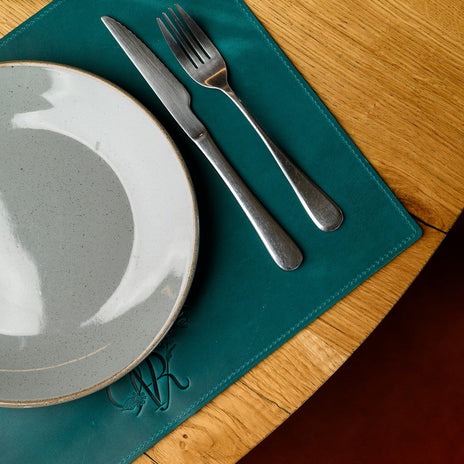
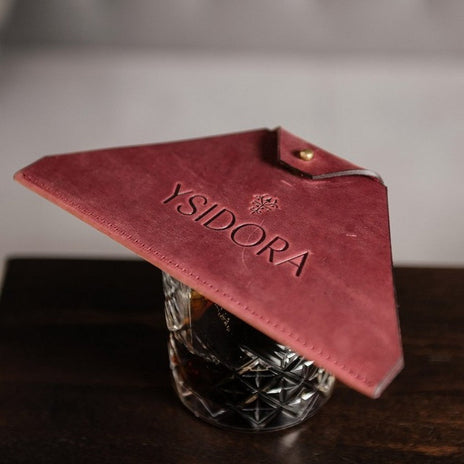
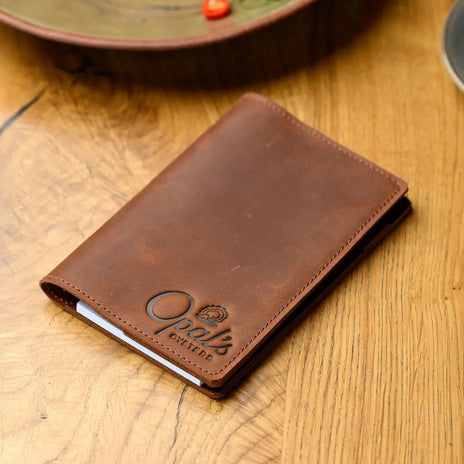
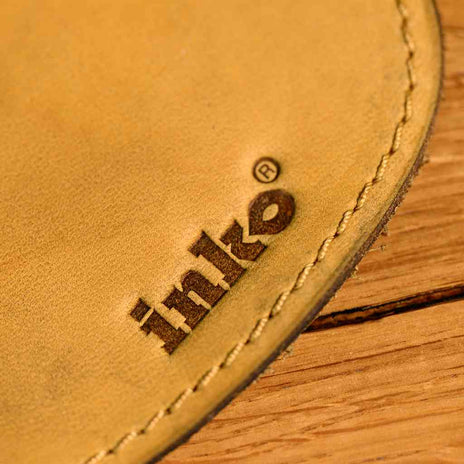
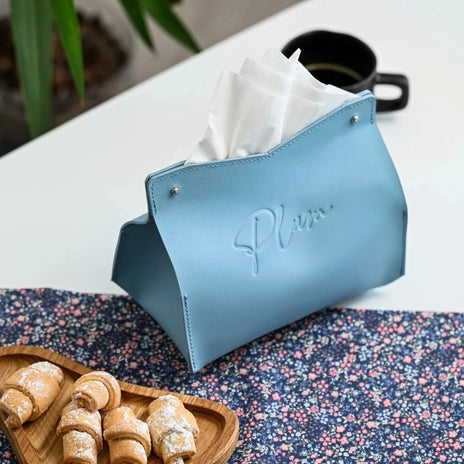
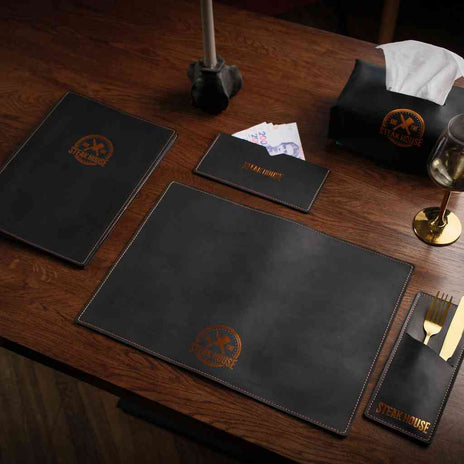
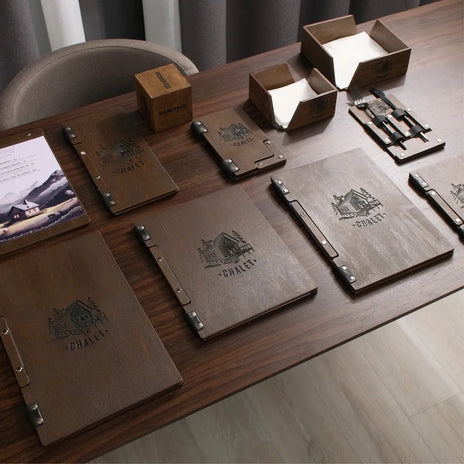
A heated metal stamp presses the logo into the material. Blind or with foil.

DTF print
A full-color logo transferred under heat. Very thin lines hold less well.

Metal plate
An engraved silver or gold plate, rectangular or oval. Included in the price.

Leather patch
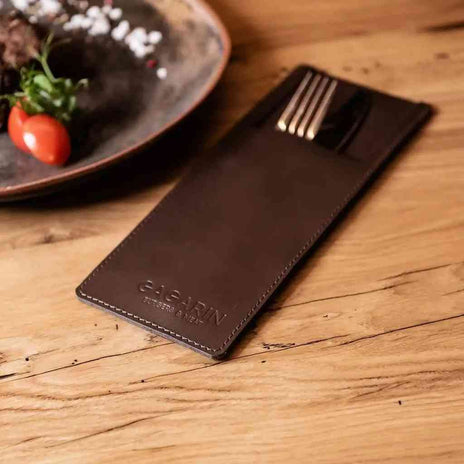
A sewn-on leather patch with an engraved or debossed logo. Included in the price.
Debossing finishes
- Blind
- Gold foil
- Copper foil
- Black foil
- Silver foil

- Debossing needs a metal logo stamp. You buy it once, from $20, and we keep it for all your future orders.
- Foil does not hold equally well on every leather, so the available finishes depend on the collection you choose.
- Nubuk takes blind debossing only.
What is included
| Item | Cost |
|---|---|
| Logo up to 15.5 sq in (100 cm²); 7.75 sq in on small items | Included in the product price |
| Logo stamp for debossing | One-time purchase, from $20 |
| Color-filled engraving on plywood | Paid add-on |
| Logo larger than 15.5 sq in | Quoted separately |
| Design proof and revisions | Free |
How the design proof works
Nothing goes into production until you approve the proof.
- You send your logoUpload it on the product page or email it after ordering. Add any wishes about placement or style in the order comment.
- We prepare the proofOur designer places the logo on the product and emails you a realistic digital proof within 1–2 business days.
- You review and replyReply “Approved” or describe the changes you want.
- We revise if neededThere is no limit on revisions. Most designs need one or two.
- Production startsWe start the day after you approve. After approval, changes are no longer possible.
What to check in the proof
- Spelling of the venue name
- The logo itself: every element is in place
- Placement. By default the logo goes in the center of the product
- Logo size in relation to the product
- Margins from the edges
Still need help?
request@inkohoreca.com+1 727 308 1731Mon–Fri, 8 AM–5 PM ET